Overview
What LEAP VITAL CARE does
LEAP VITAL CARE addresses the critical need for remote patient monitoring by combining edge computing (ESP32), backend processing (Flask), and secure remote access (ngrok) into a complete healthcare monitoring solution.
The system enables real-time vital sign tracking, emergency response capabilities, and location-based services for patient safety — deployable in homes, clinics, or assisted living facilities.
Continuous vital sign tracking for elderly care, post-operative patients, and chronic disease management.
Instant alerts with GPS location tracking for wandering patients and direct caregiver communication.
Multi-patient dashboard, historical chart analysis, alert management, and geographic patient tracking.
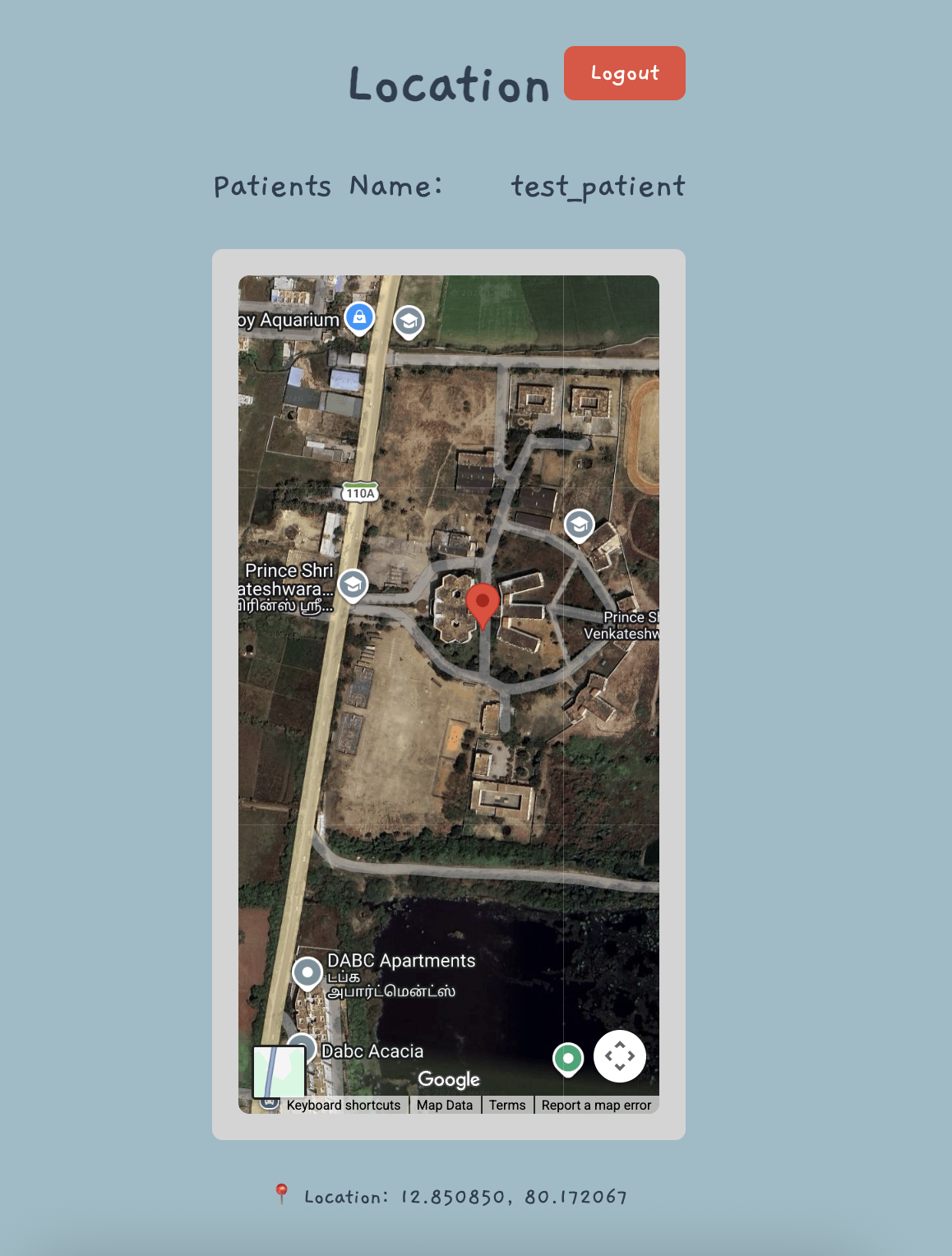
Coordinates transmitted every 30 seconds via Geolocation API and shown on Google Maps in real time.
Architecture
Three-tier system design
Hardware sensors connect through a Python Flask backend to dual web interfaces — one for medical staff with full monitoring controls, one for patients with emergency tools.
Web Interfaces
Admin & Patient views
Two purpose-built interfaces serve different users with tailored controls and information density.
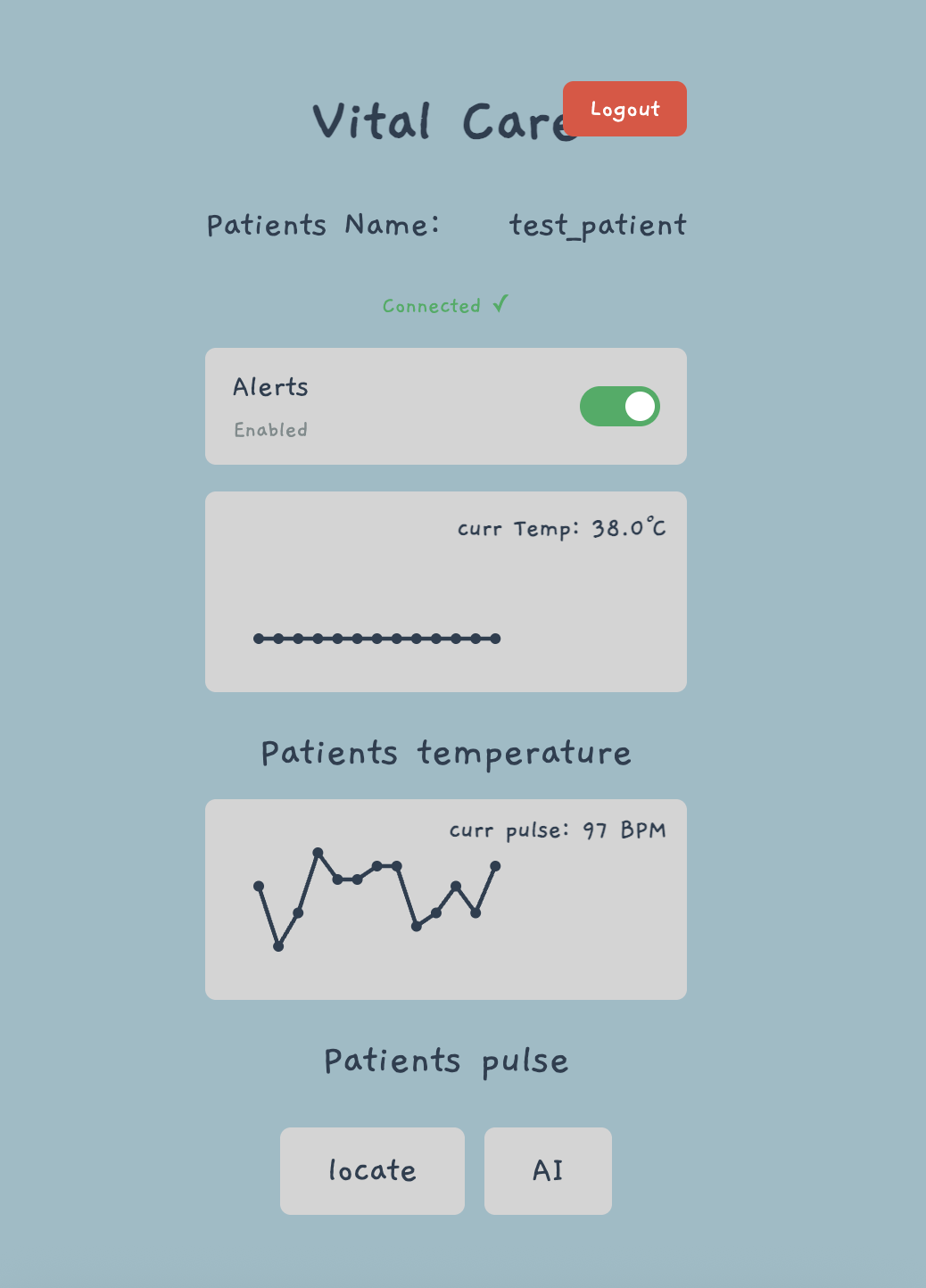
- Real-time temperature & BPM trend charts (last 20 readings)
- 2-second automatic data refresh
- Embedded Google Maps with 10-second GPS refresh
- DISTRESS vs HELP two-tier emergency alerts
- Audio notification + popup on alert trigger
- Alert acknowledgment and patient location context
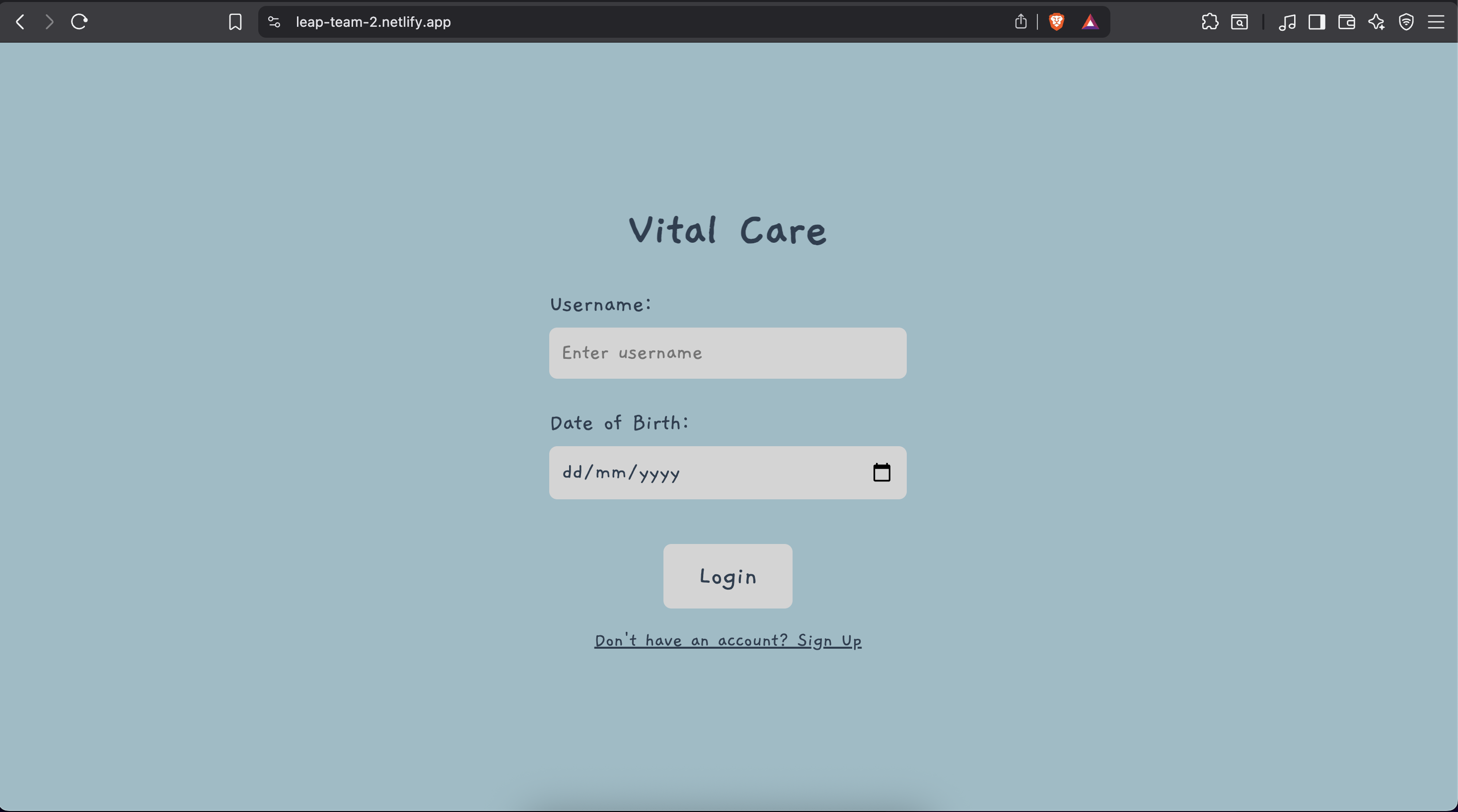
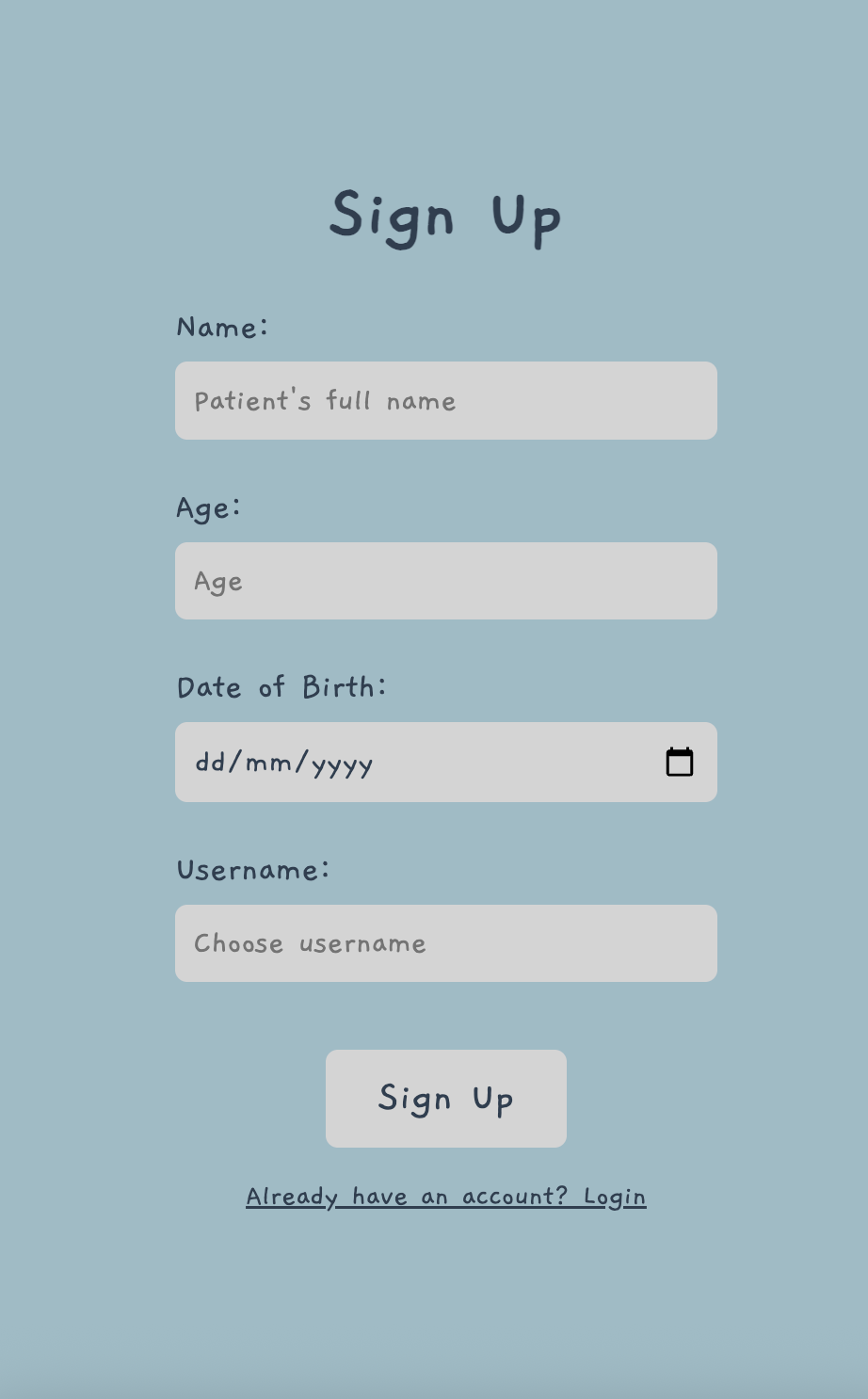
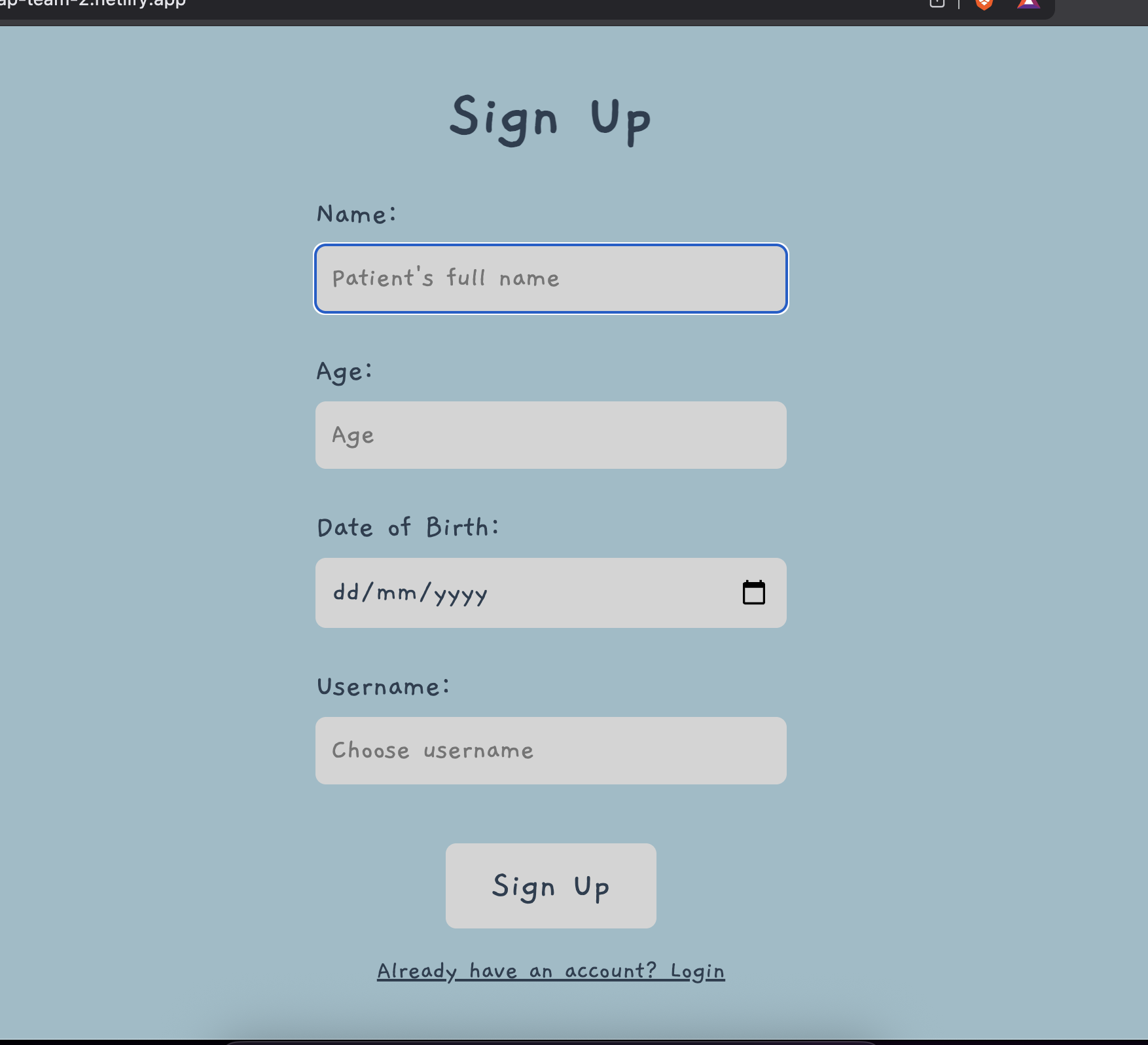
- Patient registration, login & profile management
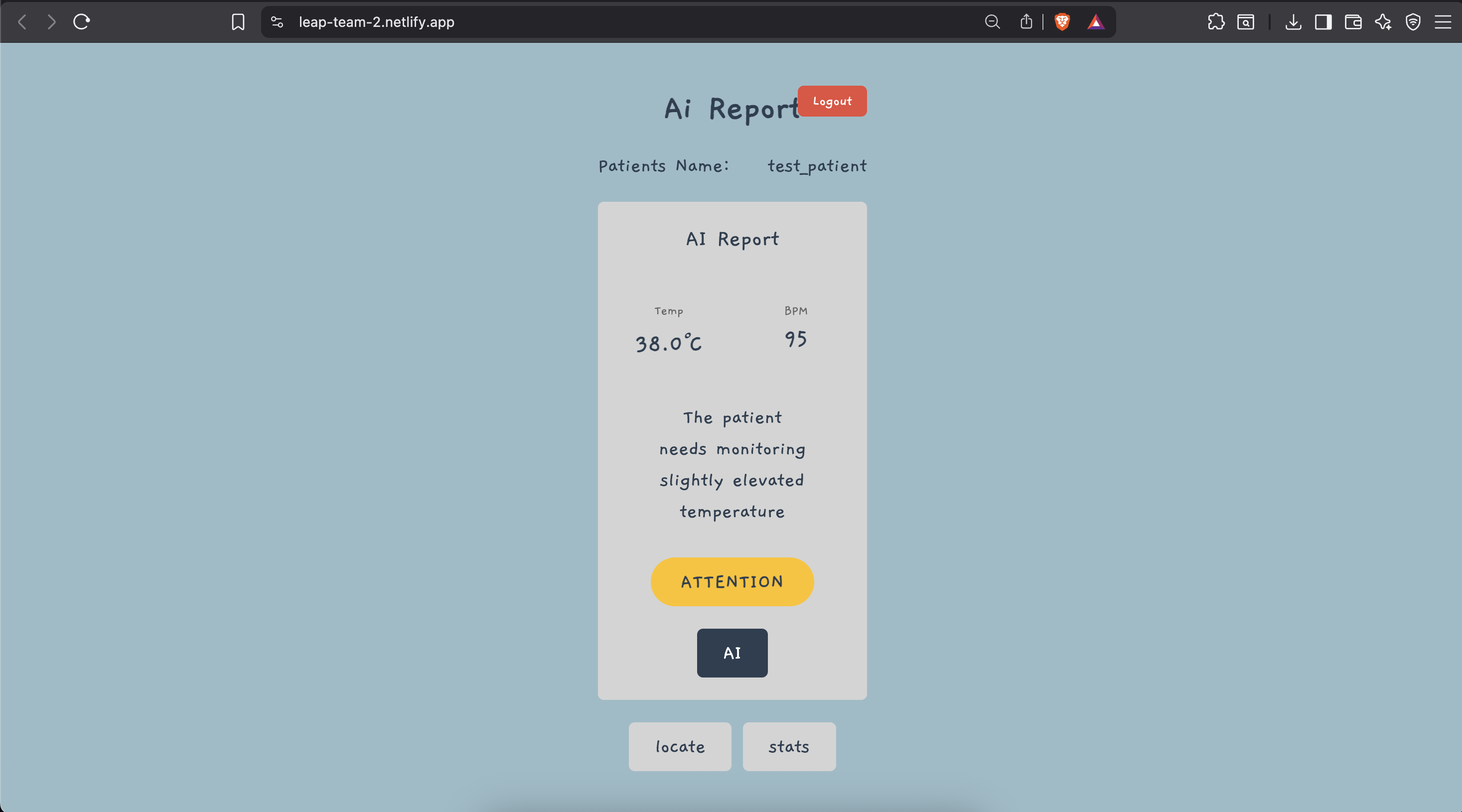
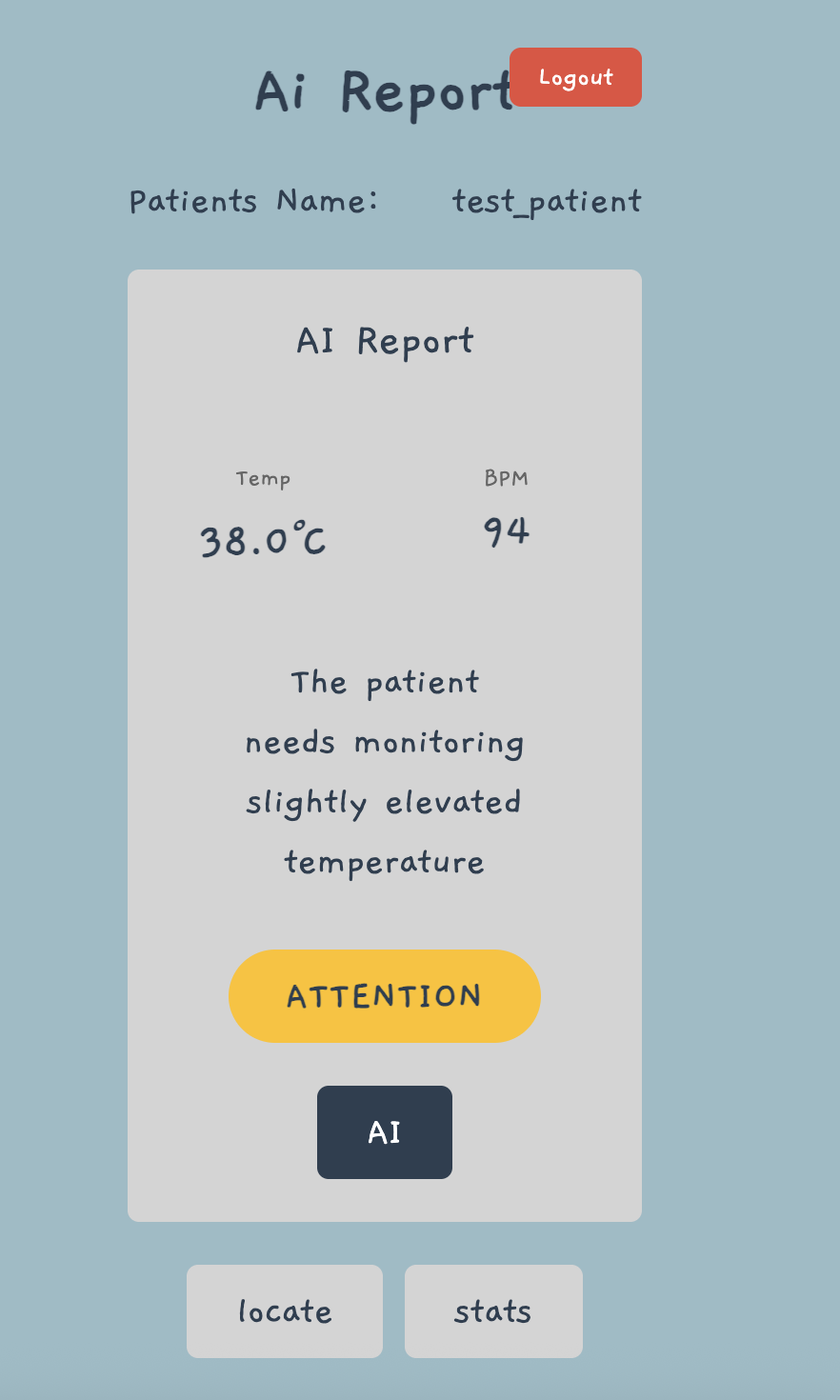
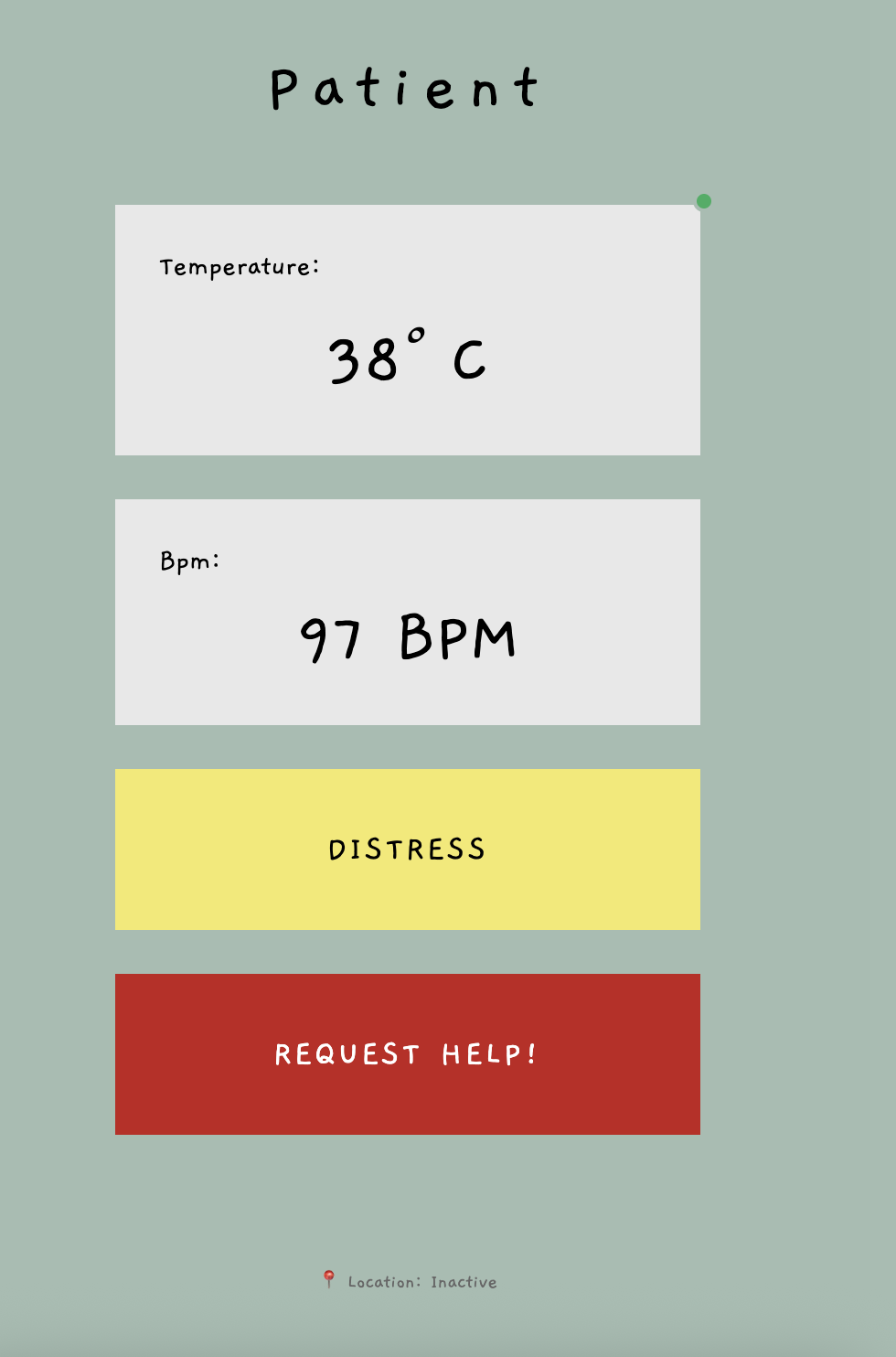
- Current temperature & heart rate display
- 5-second automatic vital sign refresh
- Yellow DISTRESS button — non-critical assistance
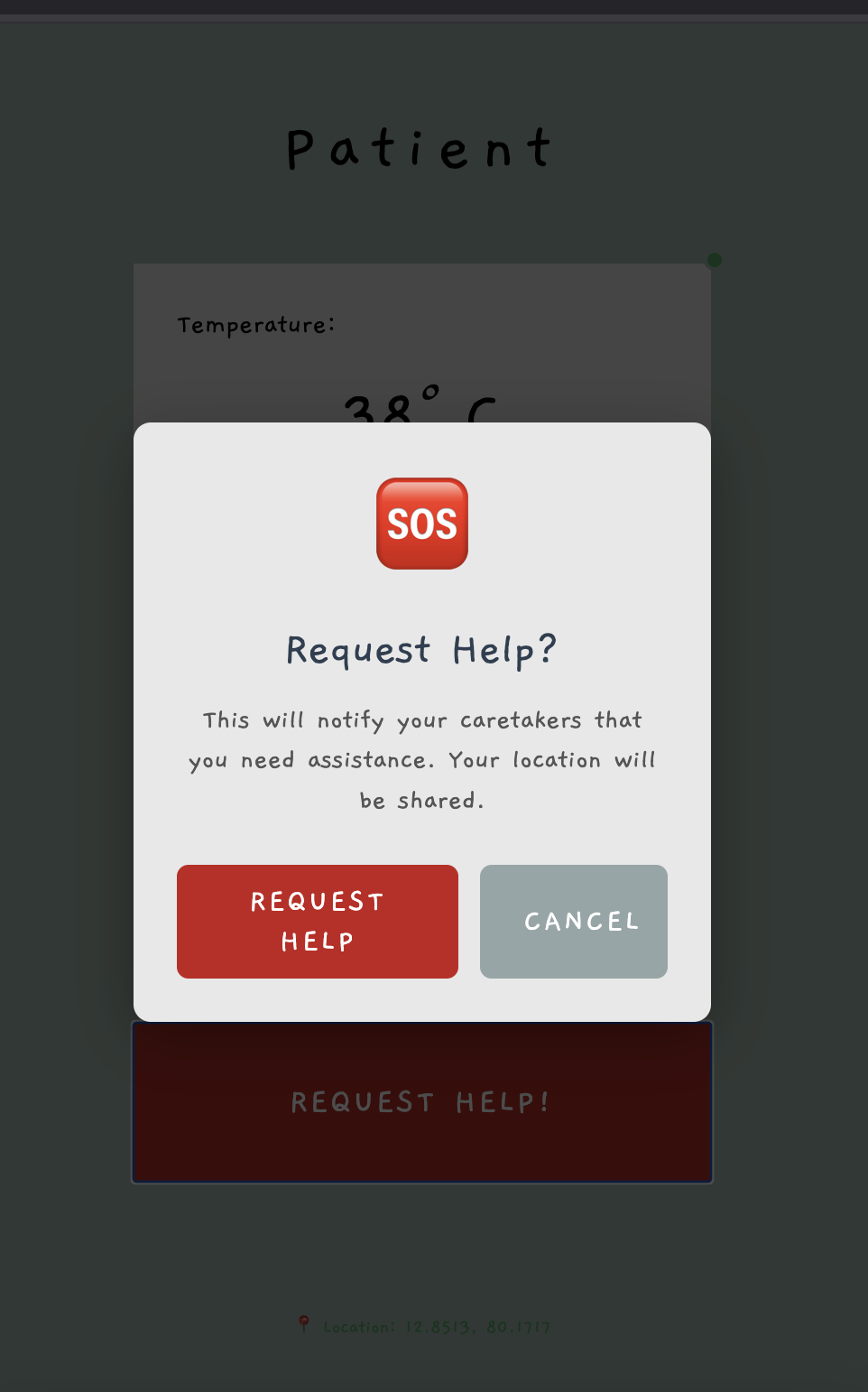
- Red REQUEST HELP button — critical emergency
- Confirmation dialogs prevent accidental triggers
- Auto GPS transmission every 30 seconds
- Mobile-first, touch-optimised, accessibility-focused
Data Flow
Emergency alert sequence
When a patient triggers an alert, data flows from the patient interface through Flask to the admin dashboard in under 5 seconds.
Patient presses DISTRESS or HELP — a confirmation dialog prevents accidental activation.
Browser POSTs to /api/usr/status — Flask stores the emergency state in memory immediately.
Admin dashboard detects the alert — polling runs every 5 seconds and picks up the new state.
Audio-visual popup notification fires — alert type and patient context are clearly displayed to the caregiver.
Patient GPS retrieved and shown on map — admin views the exact location and can respond immediately.
API Reference
Backend endpoints
Three REST endpoints consumed by both interfaces over an ngrok HTTPS tunnel with CORS headers enabled.
Retrieve current vital signs from ESP32. Returns cached values if sensor is unreachable. Polled every 2 s by admin, every 5 s by patient interface.
// Response
{ "temperature": 36.5, "bpm": 72 }Send or receive emergency alert status. Used by patient to trigger and by admin to poll.
// Request
{ "distress": true, "help": false }

// Response
{ "status": "received", "distress": true }Update patient GPS coordinates. Auto-sent by patient interface every 30 seconds via the Geolocation API.
// Request
{ "latitude": 12.853794, "longitude": 80.175039 }

// Response
{ "status": "location_updated" }
Screenshots
System in action
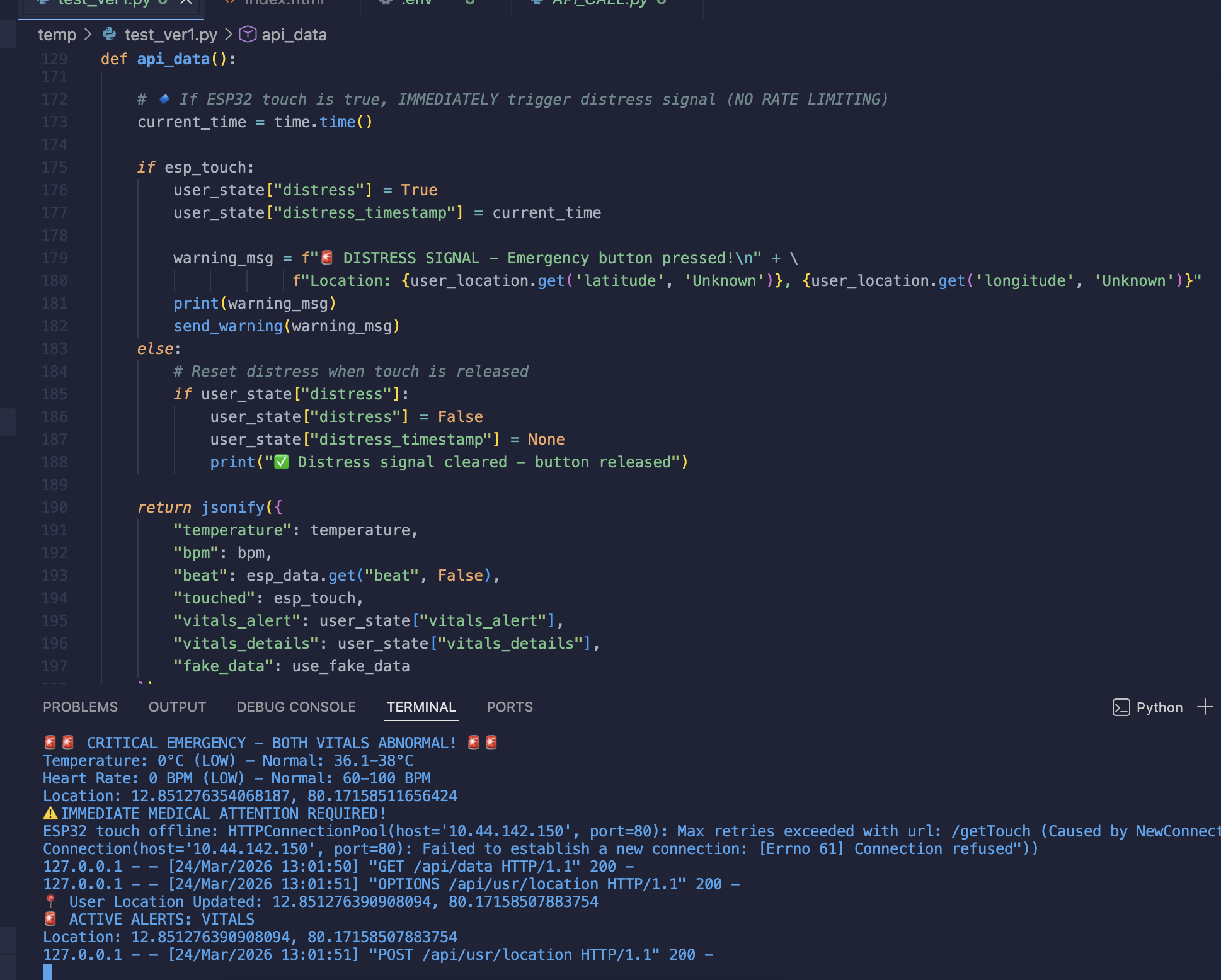
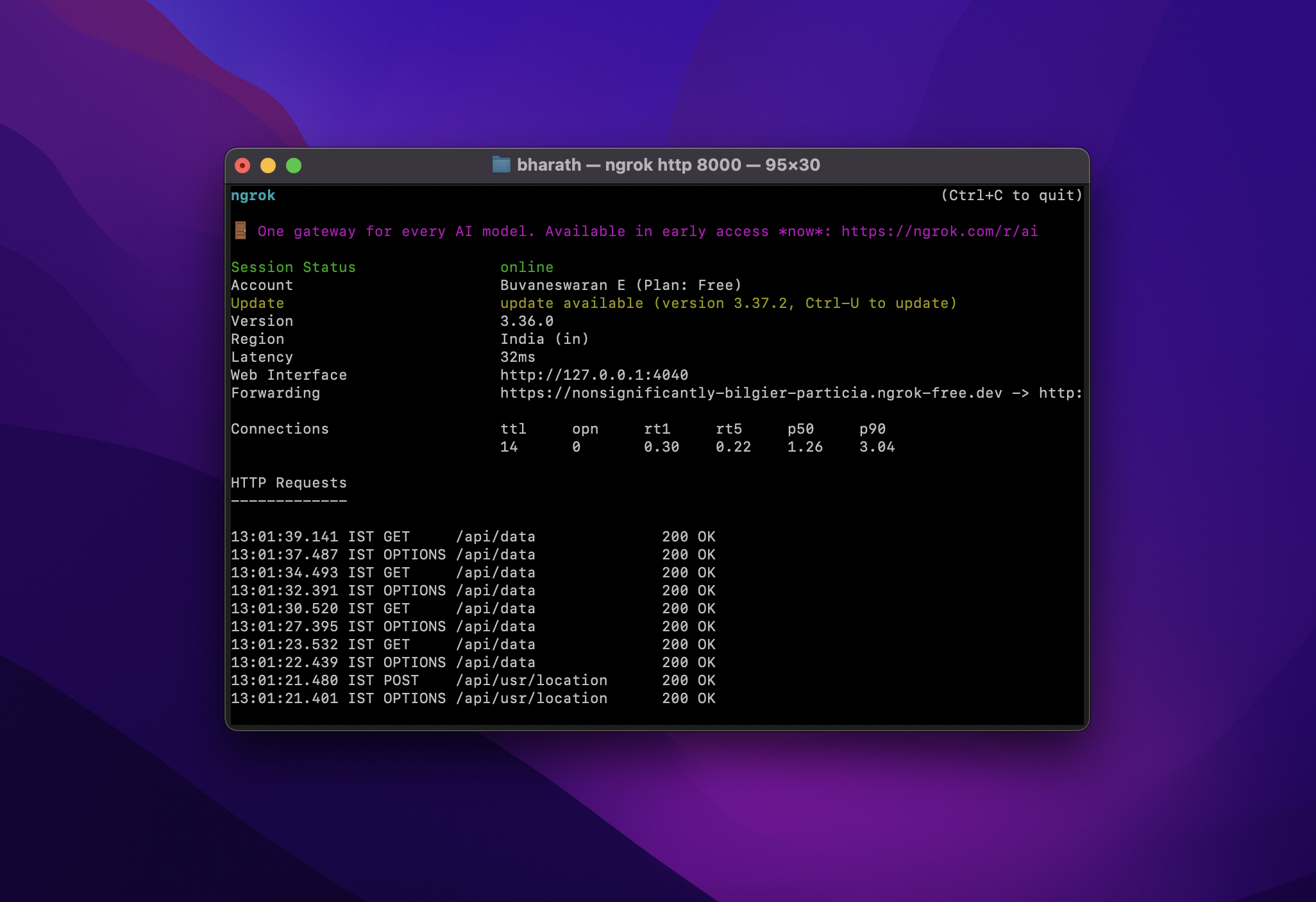
All 11 screenshots across the admin dashboard, patient interface, emergency alerts, GPS tracking, and backend.
Hardware Requirements
What you need to build it
- ESP32-WROOM-32 or equivalent
- Dual-core Xtensa 32-bit CPU
- WiFi 802.11 b/g/n
- 520 KB SRAM / 4 MB Flash
- USB cable for programming
- DS18B20 / DHT11 (temperature)
- MAX30100 / MAX30102 (heart rate)
- Capacitive touch or button
- Optional: ESP32-CAM module
- Breadboard & jumper wires
- 2.4 GHz WiFi router
- Stable internet for ngrok
- ngrok free tier account
- HTTPS tunnel required
- Python 3.7+
- Arduino IDE 1.8.10+
- flask ≥ 2.0.0
- flask-cors ≥ 3.0.10
- requests ≥ 2.26.0
Installation
Getting the server running
# Install dependencies
pip install flask flask-cors requests

# Start Flask server
python flask_server_fixed.py

# In a new terminal — expose via ngrok
ngrok http 8000
Roadmap
Planned enhancements
Version 1.0.0 is a working prototype. These features are planned for upcoming releases.
- PostgreSQL or MongoDB
- Historical data analysis
- CSV / PDF data export
- Patient record management
- SpO2 & blood pressure
- ECG monitoring
- Fall detection algorithm
- Sleep pattern analysis
- End-to-end encryption
- HIPAA compliance
- OAuth2 authentication
- Audit logging
- SMS / Email alerts
- Mobile push notifications
- Two-way video calling
- Auto-dial emergency contacts